

Getting Started with Your Smartphone — The Basics
You'll learn what all those buttons do, how to charge it properly, and the three settings you need to know about.
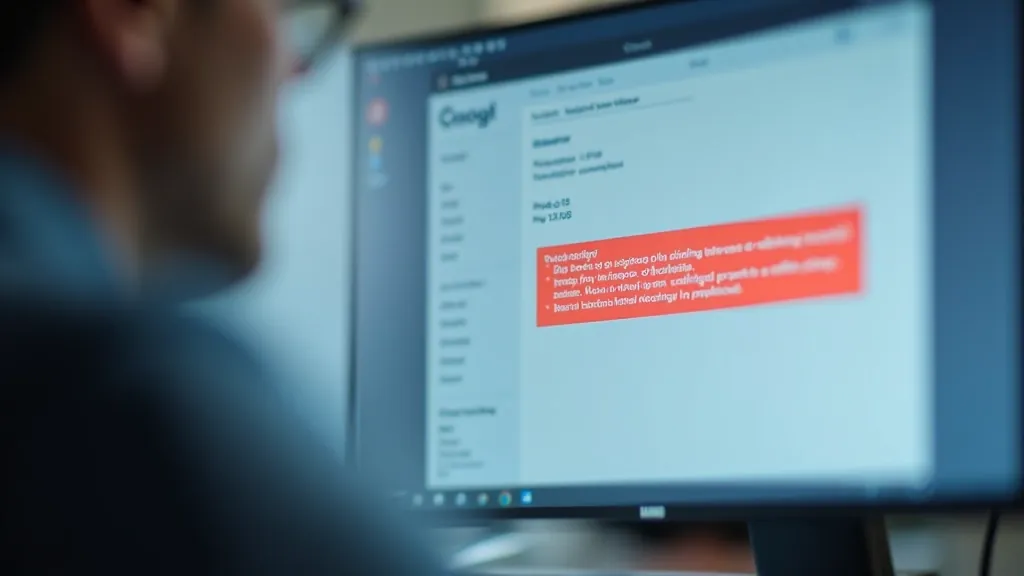
Learn the red flags that signal a scam email or suspicious website. It's actually easier to spot them than you'd think once you know what to look for.

Scammers aren't brilliant. They're just patient. They send thousands of emails hoping someone — anyone — will take the bait. But here's the good news: scams follow patterns. Once you know what those patterns look like, you'll spot them immediately.
We're not going to scare you with stories. Instead, we'll show you exactly what to look for. Spelling mistakes. Urgent language. Requests for passwords. Fake sender addresses. These aren't random — they're the same tricks used over and over again. And once you see them once, you'll see them every time.
If something feels off, it probably is. Your instinct is your first line of defense. When you see an email that makes you pause, that's your brain recognizing something isn't right — even if you can't put your finger on what it is.
Every scam has a tell. It's like a magician's trick — once you know where to look, you can't help but see it.
Real companies have spell-checkers. If an email from your bank says "Please veriffy your account" or "Congraulations on your win," it's not real. Scammers often aren't native English speakers and don't proofread.
Your bank will never ask you for your password via email. Your email provider won't ask you to "confirm" your credit card number. Real companies don't need to ask — they already have this information. Period.
"Act now or your account will be closed!" "Click immediately or you'll lose access!" Scammers create panic because panic makes people careless. Real companies give you time.
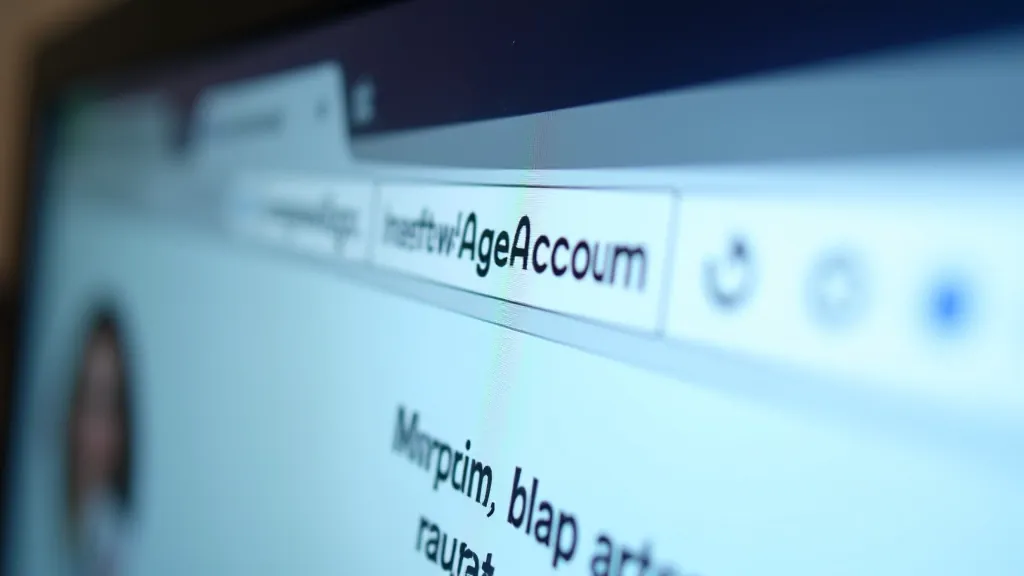
The sender's address tells you everything. Look at the email address that sent the message — not just the name, but the actual address after the @ symbol.
Real banks use their official testlog. If your email is from "[email protected]" that's real. But if it says "[email protected]" or "[email protected]" — those are fakes. The scammers are mimicking the real thing but changing one tiny detail.
If you're not sure about an email, don't click any links in it. Instead, go directly to your bank's website (type it in yourself) and log in. Check your messages there. If there's a real alert, you'll see it in your actual account.
Sometimes the email looks perfect. Sometimes it's actually a link to a website that looks exactly like your bank. Don't panic — there's an easy way to check.
Before you enter any information, look at the very top of the page in the address bar. Does it say "https://yourbank.ie"? Good. Does it say something like "https://yourbank.com.security-check.net"? That's a fake.
Real banking websites have a small padlock icon next to the address. It means the site is secure. Scam sites might not have it, or they might have a different icon.
If you're not 100% sure, close the page. Go to your phone or another device. Call your bank directly. Ask them if they sent that email. It takes two minutes and it's worth it.
Don't feel embarrassed. Don't feel stupid. Scammers are professionals at what they do — that's their job. If something happens, here's what to do right now.
Your bank is used to this. They'll help you. That's what they're there for. The faster you call, the faster they can protect your account.

Here's what we've learned: scams aren't sophisticated. They're just repetitive. The same spelling mistakes. The same urgent language. The same fake addresses. The same fake websites.
You don't need to be a tech expert to spot them. You just need to know what to look for. And now you do. Trust your instinct. If something feels off, it probably is. And if you're ever not sure, you've got one simple rule: stop, close it, and check with your bank directly.
Scammers are counting on you being careless or scared. Don't be either. Be careful. Be curious. And you'll be just fine.



This article is educational material designed to help you understand common online scams and how to protect yourself. While the information provided is accurate and based on widely-recognized security practices, circumstances vary from person to person and from organization to organization. If you believe you've been targeted by a scam or experienced fraud, contact your financial institution or local law enforcement immediately. For specific security concerns, consult with your bank or a qualified IT professional.